QR Code PDF API: Generate Printable QR Codes from JSON
Create print-ready PDFs with QR codes from any URL or text: QR-only labels, posters, Wi-Fi cards and contact badges, with one API call per document.
Most QR code APIs hand you a PNG. That is fine for a web page, but the moment the code has to be printed — on a table stand, a product sticker, a poster by the door, a conference badge — you need a document: the right paper size, the code at a size that scans from across a room, and a line of text telling people what they’re scanning.
PodPDF templates generate that document directly. Send the value as JSON and get back a vector PDF: the code is drawn as shapes, not pixels, so it stays sharp on a thermal label printer, an office laser or a large-format poster.
Four Ready-Made QR Templates
All of them are in Templates → Template library → Labels & QR codes. Pick one, change the wording and colours, and it’s yours.
| Template | Paper | Use it for |
|---|---|---|
| QR code only (50 mm square) | 50 × 50 mm label | A bare code with an optional caption — stickers, packaging, assets |
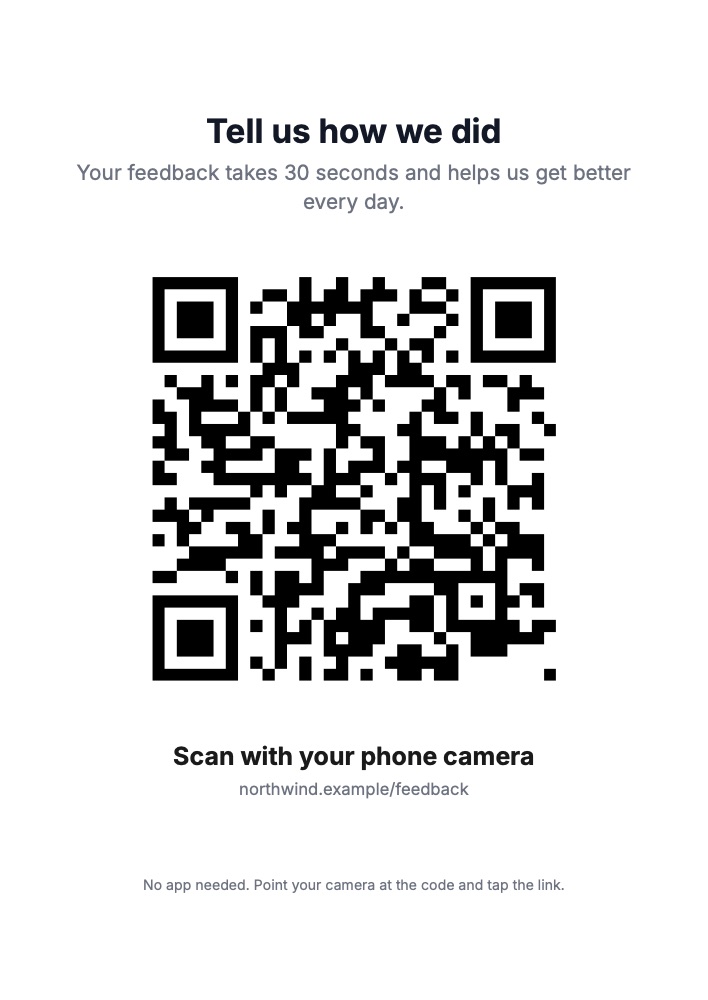
| QR code poster (A4) | A4 | Headline, a large code and instructions — feedback, menus, check-in |
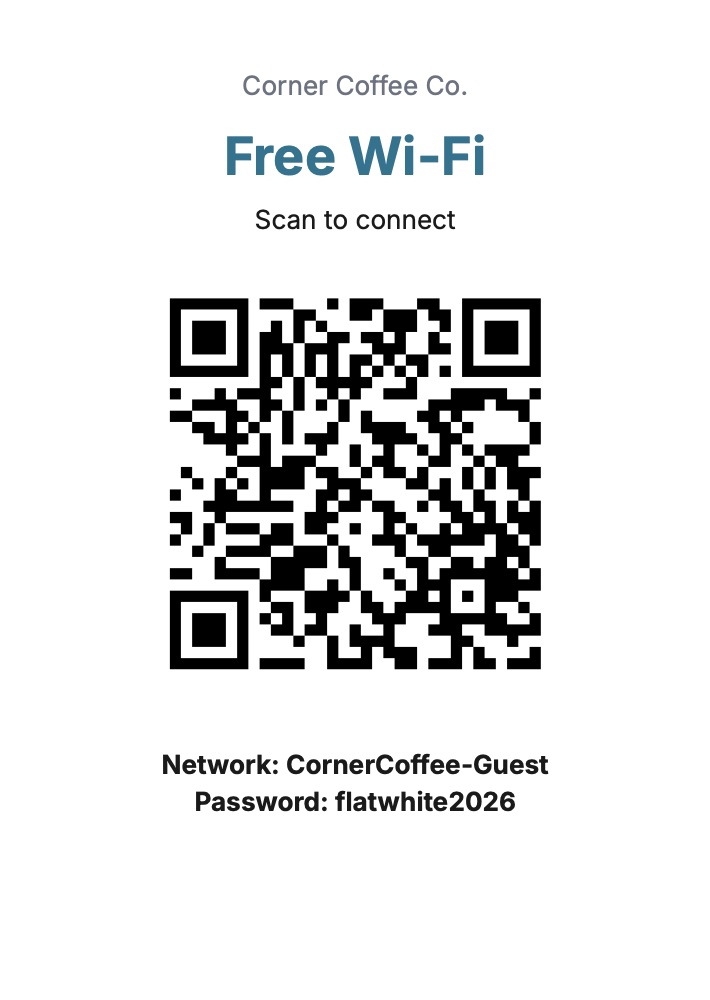
| Wi-Fi QR card (A6) | 105 × 148 mm | Guests join your network by scanning, no typing |
| Name badge (4 × 3 in) | 101.6 × 76.2 mm | Name, company and a QR code that saves the contact |
The event ticket, gift voucher, invitation, packing slip, delivery note, certificate and restaurant menu templates also include QR codes; they’re covered in their own guides linked at the end.
Just a QR Code
The simplest template has two fields: qr_value, which can be any URL or text, and an optional caption.
curl -X POST https://api.podpdf.com/templates/YOUR_TEMPLATE_ID/render \
  -H "X-API-Key: YOUR_API_KEY" \
  -H "Content-Type: application/json" \
  -o qr.pdf \
  -d '{ "data": { "qr_value": "https://example.com/p/7781", "caption": "SCAN ME" } }'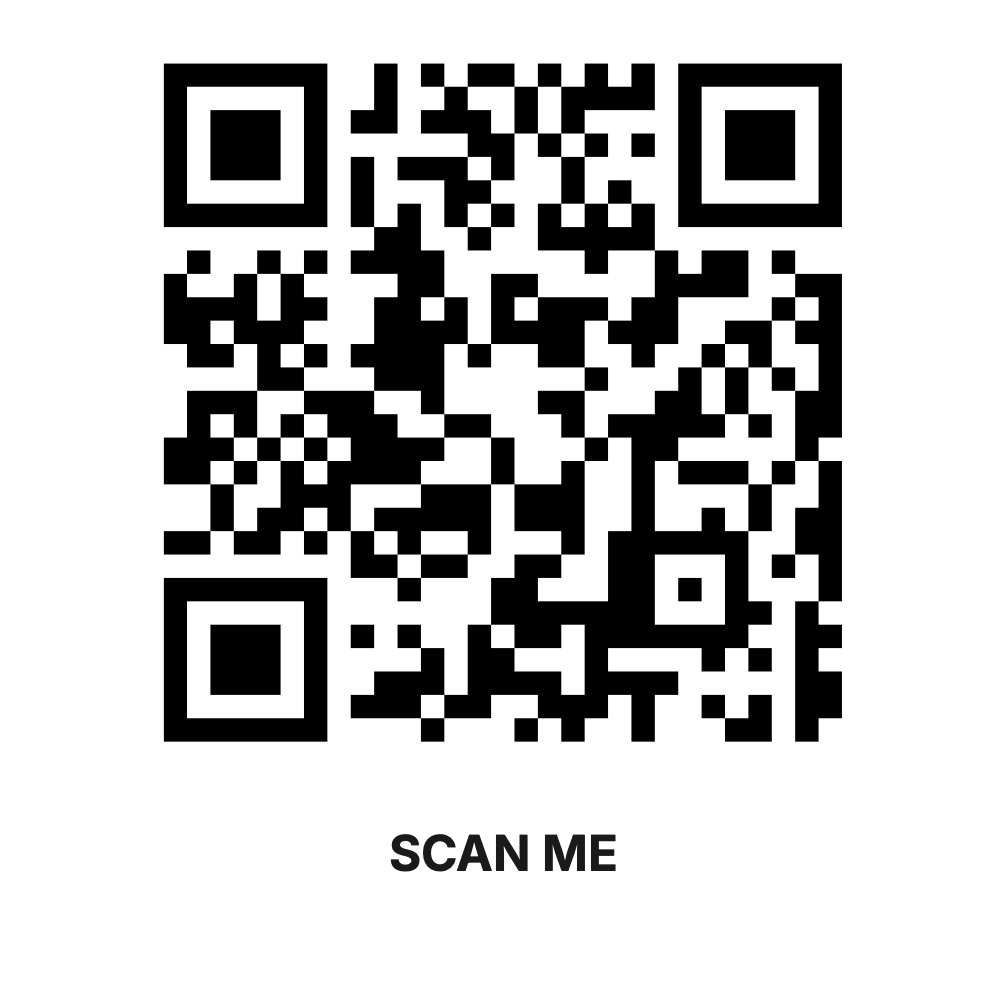
The result is one 50 × 50 mm page, ready for a label printer. Need a different size? Open Page & style, choose Custom size, and set the QR block’s width — a 25 mm sticker and a 200 mm window sign come from the same template.
Build the QR Value from Your Data
A QR block’s value is text, and it can contain fields. That is how one template produces a different code for every document:
| QR value in the template | What people get when they scan |
|---|---|
https://shop.example.com/track/{{order_id}} | The tracking page for that order |
https://example.com/feedback?table={{table_number}} | A feedback form tagged by table |
mailto:{{email}} | A new email to that address |
tel:{{phone}} | A phone call |
MECARD:N:{{name}};ORG:{{company}};EMAIL:{{email}};; | A contact card saved to the phone |
WIFI:T:{{security}};S:{{network}};P:{{password}};; | Joins the Wi-Fi network |
Your data only needs the plain values (order_id, table_number, and so on). Because the value is built inside the template, you can change the URL format later without touching your code.
Wi-Fi QR Cards
The Wi-Fi QR card encodes the standard WIFI: format that iPhone and Android cameras understand, and prints the network name and password underneath for laptops.
{
  "data": {
    "venue": "Corner Coffee Co.",
    "network": "CornerCoffee-Guest",
    "password": "flatwhite2026",
    "security": "WPA"
  }
}
Use WPA for WPA and WPA2/3 networks, WEP for old routers, or nopass for an open network (then remove the password field’s Required tick in Fields & test data). The Wi-Fi format reserves ;, ,, :, \ and ": if your network name or password contains one, put a backslash before it in the data, for example "password": "cafe\\;2026".
Hotels and holiday lets generate a card per room with that room’s password; offices print a fresh card every time the guest password rotates.
Contact Badges
The name badge turns name, company and email into a MECARD QR code. At a conference, anyone can scan a badge and the attendee’s details land in their contacts. Render one badge per registration from your ticketing export — see event tickets and badges for the full workflow.
Use Cases
- Restaurants and cafés: a code on each table linking to the menu or to pay-at-table, with the table number in the URL
- Retail and packaging: a code on the box linking to instructions, warranty registration or reorder
- Property and facilities: asset stickers linking to a maintenance log — the asset tag template has a QR code and a Code 128 barcode
- Events: check-in posters, session feedback forms, speaker slide links
- Marketing: posters and flyers with a campaign URL (
?utm_source=poster) so you can measure scans - Payments: a code linking to a payment page for each invoice number
- Hospitality: Wi-Fi cards per room or per table
Generating Codes in Bulk
Each API call produces one PDF, so a batch is a loop:
for (const table of tables) {
  const response = await fetch(`https://api.podpdf.com/templates/${TEMPLATE_ID}/render`, {
    method: 'POST',
    headers: { 'X-API-Key': process.env.PODPDF_API_KEY, 'Content-Type': 'application/json' },
    body: JSON.stringify({
      data: { qr_value: `https://example.com/menu?table=${table}`, caption: `TABLE ${table}` },
      filename: `table-${table}.pdf`,
    }),
  });
  await fs.writeFile(`table-${table}.pdf`, Buffer.from(await response.arrayBuffer()));
}
To print them in one go, combine the files with Merge PDF. No-code tools work the same way: a Webhooks by Zapier → Custom Request step or an n8n HTTP Request node per row of your spreadsheet (Zapier, n8n).
Printing Tips
- Print at actual size. “Fit to page” changes the code’s size and, on labels, the margins.
- Size for the distance. As a rule of thumb, a code should be at least a tenth of the scanning distance: 2 cm across for a phone held at 20 cm, 20 cm across for a poster read from 2 m. Short URLs make simpler, easier-to-scan codes.
- Keep the margin. The white border around the code is part of it; don’t place it at the very edge of the page.
- Test one first. Print a single copy and scan it with a couple of phones before a big run.
Pricing
Each PDF is $0.01, whichever template you use, whether you buy credit packs or a monthly plan. Requests that fail validation are never charged.
Get Started
- Open the template library and filter by Labels & QR codes
- Read the templates guide and the API reference
- More templates with codes: barcode labels, event tickets and vouchers, shipping labels, certificates with verification QR codes